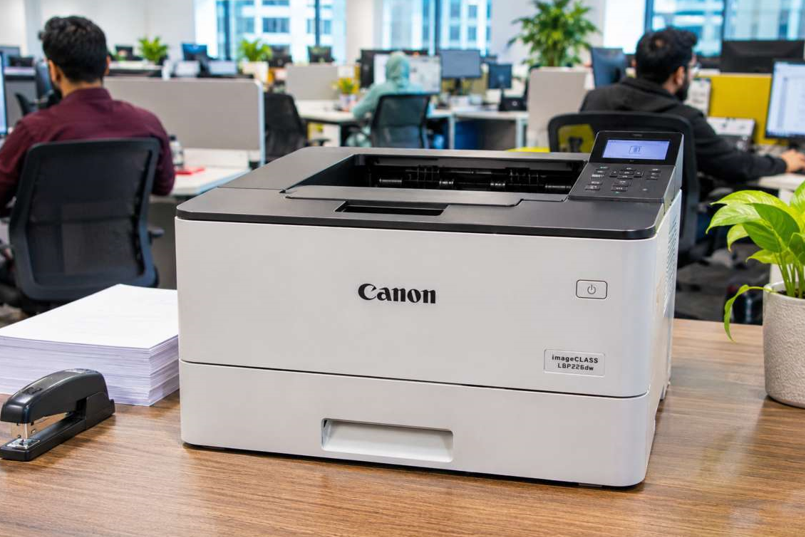
A busy office needs a printer that keeps up. Invoices go out by the dozen. Contracts need printing before lunch. Someone always needs a copy of something in five minutes.
A printer that jams or crawls through all that gets old fast. That’s why many offices go for laser, and a lot of them look at Canon. Let’s see why Canon laser printers can suit a busy workplace, and what to check before you choose one.
Why Laser Works Well for Offices
Before the Canon part, a quick word on laser itself. Compared with inkjet, a laser printer usually gives you:
- Faster printing for long documents
- Sharp, clean text for contracts and reports
- Lower cost per page for everyday printing
- No clogged nozzles if the printer sits idle over a weekend
If most of your printing is documents, laser is a natural fit.
What Canon Brings to the Table
Canon’s laser range for offices is sold under names like imageCLASS and i-SENSYS, depending on the region. The range is wide, from compact mono printers to bigger multifunction machines. Here’s what tends to appeal to office users.
Print, scan and copy in one machine
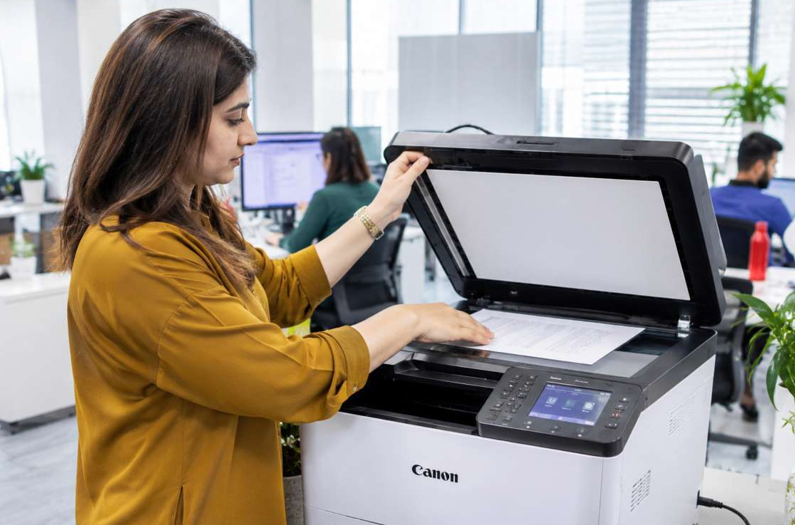
Many Canon laser models are all-in-ones. They print, scan and copy, and some add fax. For a small team, that saves desk space and money.
Practical office features
Look for models with automatic double-sided printing, an automatic document feeder and network or Wi-Fi printing. Those three features alone save a lot of time and paper. Not every model has all of them, so check the specs.
Sizes for different teams
Some are small enough for a single desk. Others are built for shared use across a team. You can match the printer to your workload instead of overpaying.
Specs change between models and years, so confirm the exact details with your supplier before you buy.
Running Costs: Where the Money Goes
The printer price is only the start. Toner is what you’ll spend on for years. Before you commit to a model, look at:
- The price of replacement toner
- How many pages each cartridge prints
- Whether a high-yield cartridge exists
- How easy it is to buy locally
Matching the right Canon laser toner cartridges to your exact model is also the simplest way to avoid errors and weak prints. Canon uses cartridge codes, often with “CRG” and a number. Check your manual, copy the code exactly, and don’t settle for a close match.
Mono or Colour?
Most offices print far more black-and-white pages than colour ones. A mono laser is cheaper to buy and cheaper to run. Colour makes sense if clients see your printed pages, or you print brochures and proposals. Many offices run one mono printer for daily work and a shared colour one for special jobs.
Choosing the Right Size for Your Team
A printer that’s too small for your workload wears out early. One that’s too big wastes money. As a rough guide:
- One or two people: A compact mono laser
- A small team: A mono laser all-in-one with duplex and network printing
- Client-facing work: A colour laser
Think about how much you print in a busy month, not a quiet one.
Keep It Running: Simple Habits
A good printer still needs a little care. These habits make a real difference.
- Use decent, dry paper and don’t overfill the tray
- Wipe dust off the outside weekly with a dry cloth
- Print a few pages every week so it doesn’t sit idle
- Keep it away from direct sun, heat and damp
- Replace toner at the first warning, not at the last page
- Keep one spare cartridge sealed, in a cool, dry place
Five minutes a week. That’s all it takes.
Plan for Support Before You Need It
Every printer breaks sooner or later. In a busy office, downtime is expensive. So think ahead. Is local service available? Are parts and toner easy to find?
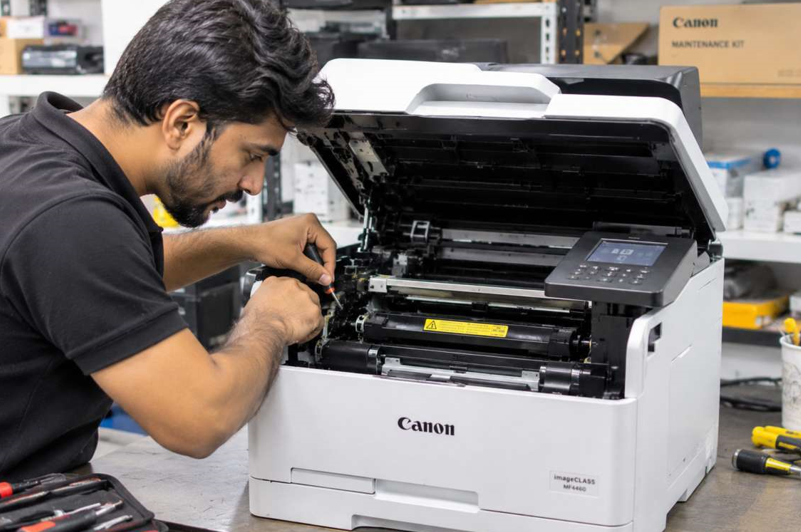
If your Canon starts jamming, printing streaks or showing error codes, a reliable Canon laser printer repair service can find the cause and get you printing again. It’s usually much cheaper than replacing the machine. And it’s far less stressful when you already know who to call.
Mistakes to Avoid
- Choosing on price alone
- Ignoring toner costs
- Paying for features you won’t use
- Buying a printer too small for your workload
- Ordering the wrong cartridge code
- Waiting to book repairs until the printer stops completely
When Should You Get Extra Help?
Ask a technician if:
- Paper jams keep returning
- Prints stay streaky or faded after new toner
- Error codes won’t clear
- You hear grinding or clicking
- The printer shuts down by itself
Please don’t open the printer yourself. The fuser inside gets very hot, and small parts break easily.
Final Thoughts
A Canon laser printer can be a solid fit for a busy office. You get fast printing, sharp text and all-in-one options. But the best choice still depends on your workload. Check the running costs, match the size to your team, and plan for toner and support. Do that, and your printer becomes one of the things you rarely have to think about.
